


Alexandre Verified
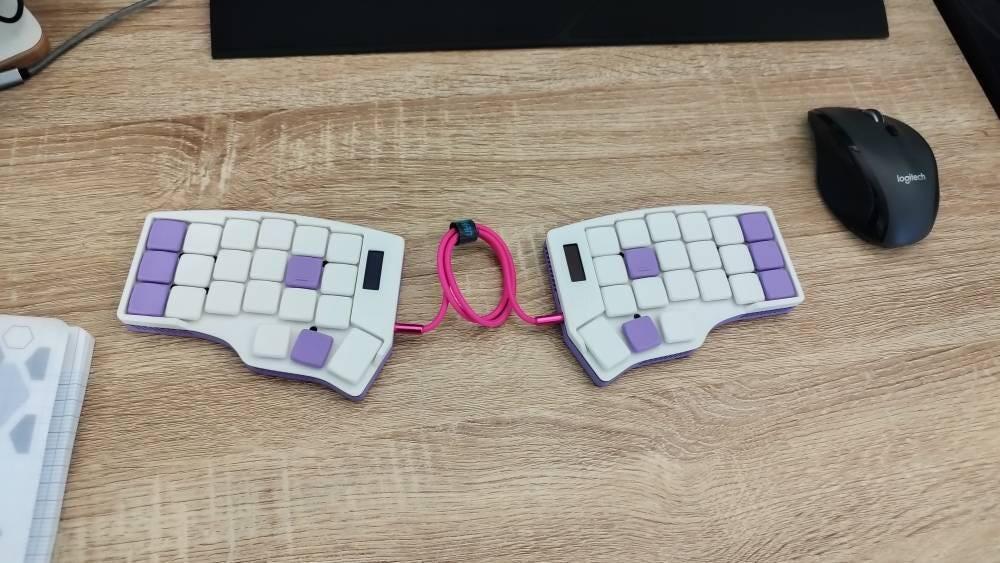
Clavier reçu rapidement et qui fonctionne parfaitement. Très bonne personnalisation des couleurs
Keyboards
A minimalist 42-key split, column-staggered keyboard. Wired or wireless.
Fully customizable colors, from the case to each keycap. Sound-dampened case and hot-swap sockets.
Current scheme: Classical
Accessories that pair with this keyboard. Each one ships together with it.
The Corne is a 42-key split ergonomic keyboard, built by hand in France with fully customizable colors, from the case to each individual keycap. Its keys sit in vertical columns with three thumb keys per half, so your fingers move straight up and down while your hands stay shoulder-width apart. Everything that isn't a letter lives on a layer: most people need one to two weeks to get back to their usual speed.
It arrives assembled, flashed and tested. A TPU sound-dampening layer inside the case makes typing softer and quieter, especially with the optional Kailh Choc Red Pro linear switches: smooth, with no click or bump. Hot-swap sockets let you change switches anytime without soldering, so you can also order it without switches and fit your own Kailh Choc v1.
Built to order: ships from France within 3 to 5 business days, with 30-day returns. Based on the open-source Corne by foostan (Pro Micro V4 layout by klouderone).
| Layout | 3×6 + 3 thumb keys per half, column-staggered, fully split |
|---|---|
| Keys | 4221 per half |
| Key spacing | MX, 19.05 × 19.05 mm |
| Switch sockets | Kailh Choc v1 hot-swapChoc v2 not compatible |
| Stock switches | Kailh Choc Red Pro, linear, 35 gfOptional. Order without switches to fit your own. |
| Keycaps | 3D-printed Choc profile, color selectable per key |
| Case | FDM-printed, TheKeebLab design, color of your choiceTPU sound-dampening layer, lateral vents. FDM printing can leave minor surface marks. |
| Controller | RP2040 (wired) · nRF52840 (wireless) |
| Firmware | QMK with Vial (wired) · ZMK with ZMK Studio (wireless) |
| Connection | USB-C to host, TRRS between halves (wired) · Bluetooth LE, USB-C charging (wireless) |
| Battery | 2 × 1000 mAh rechargeable, one per halfWireless build only |
| Display | Dual 128×32 OLED, one per halfOptional on the wired build, always included on the wireless build |
| Compatibility | Windows, macOS, Linux, Android, iOS |
| Based on | Corne by foostan, Pro Micro V4 layout by klouderone |
Not included: USB-C cable
Quick-start guides and firmware for every build. Your keyboard ships with the right firmware already flashed: download it again here to reflash, reset, or return to the default layout.
Hold BOOT while plugging in a half (or double-tap reset) so it mounts as the RPI-RP2 drive, copy the left file onto the left half and the right file onto the right half. Edit the keymap live in the Vial web app, no compiling. To go back to the default keymap, assign EE_CLR (Clear EEPROM) to a key in Vial and press it.
corne-thekeeblab-vial.zip
Left and right .uf2, Vial enabled.
Double-tap reset on a half so it mounts as the NICENANO drive, copy its .uf2, then do the same on the other half. Edit the keymap live with ZMK Studio over USB. If the halves stop talking to each other, flash the settings-reset file on both, then the normal firmware again.
13 reviews
Clavier reçu rapidement et qui fonctionne parfaitement. Très bonne personnalisation des couleurs
Great value kb, exactly as described. Friendly and serviceminded seller.
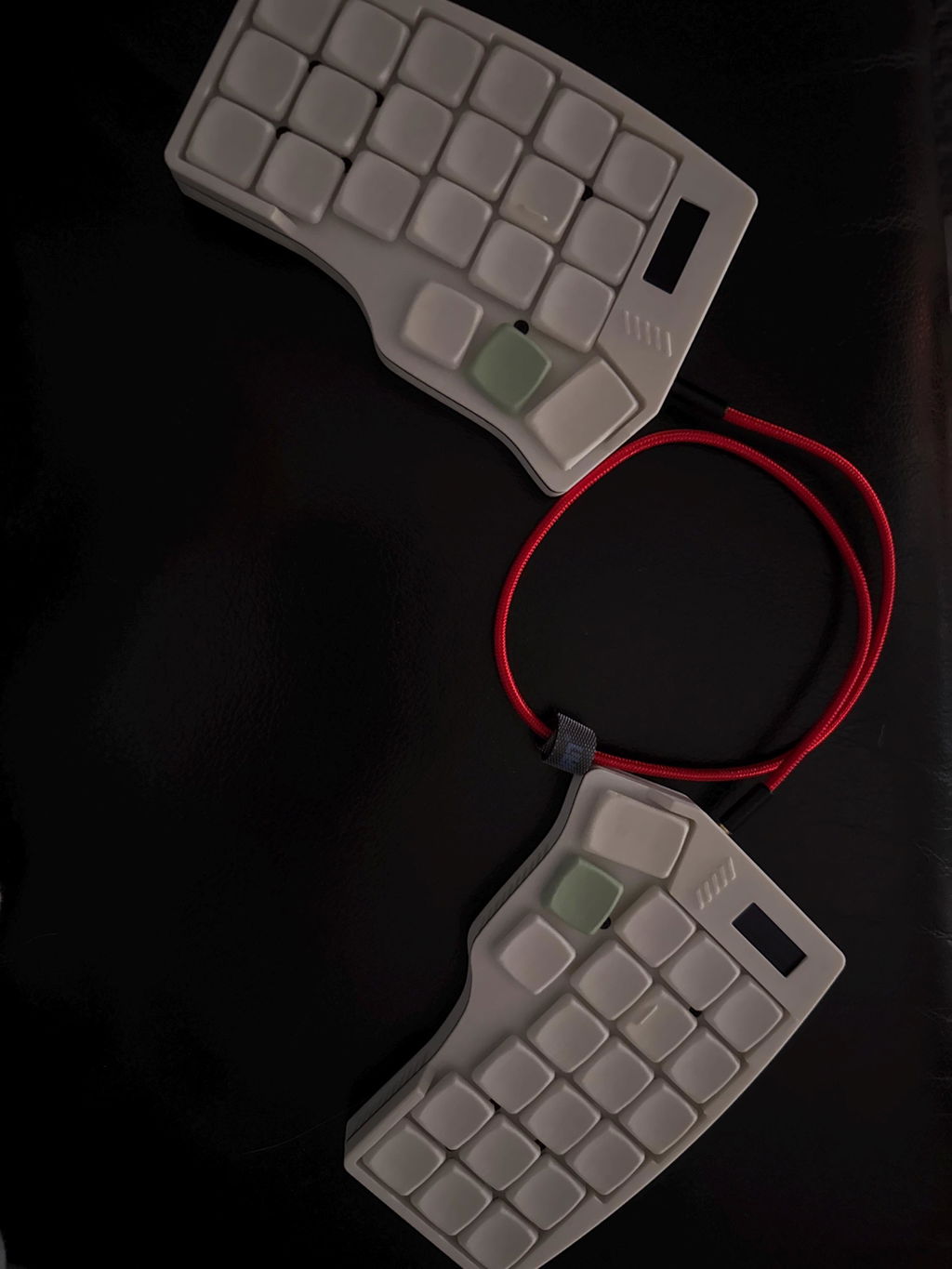
A really great keyboard, it's my first corne and it looks and feels really good. The seller is really helpful.
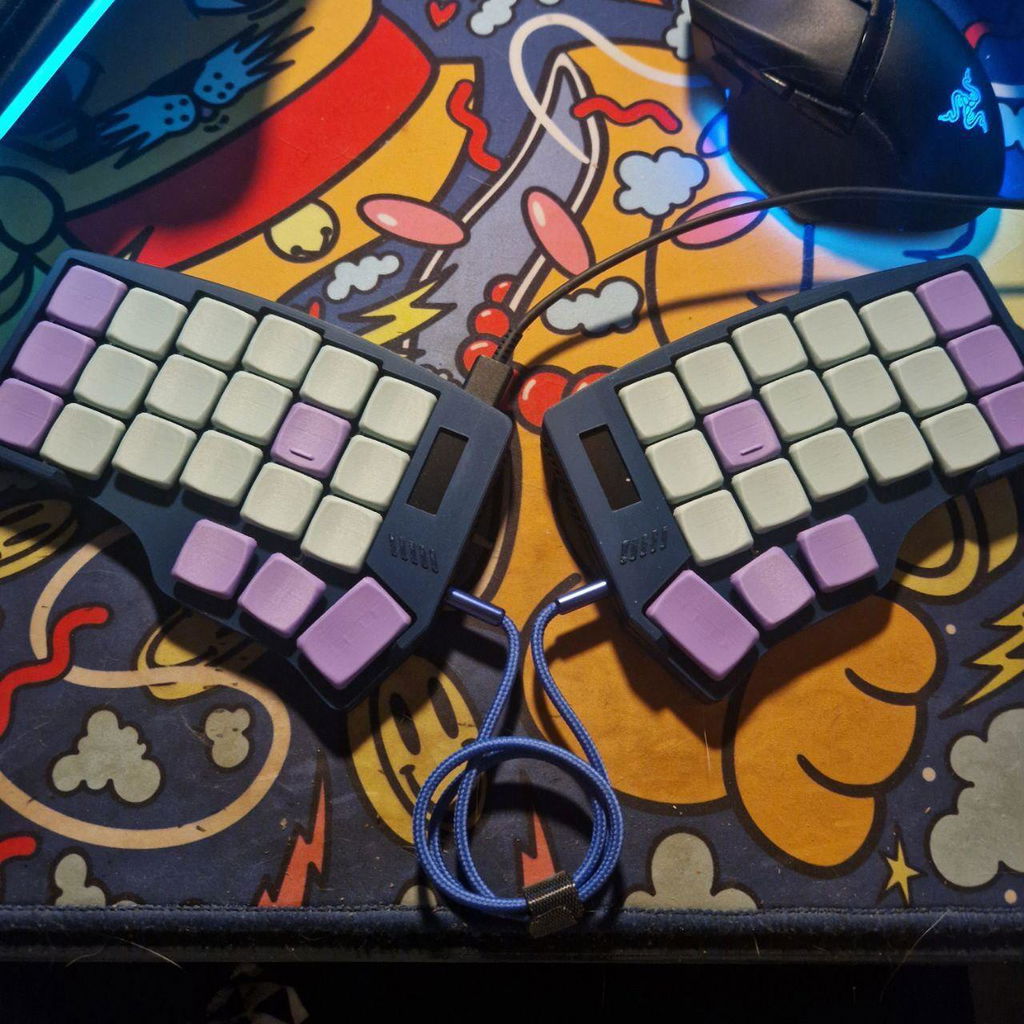
The item was packaged well and is crafted perfectly. It was shipped very securely and Jeremy was easily reachable throughout the entire process to discuss options for the keyboard. 11/10
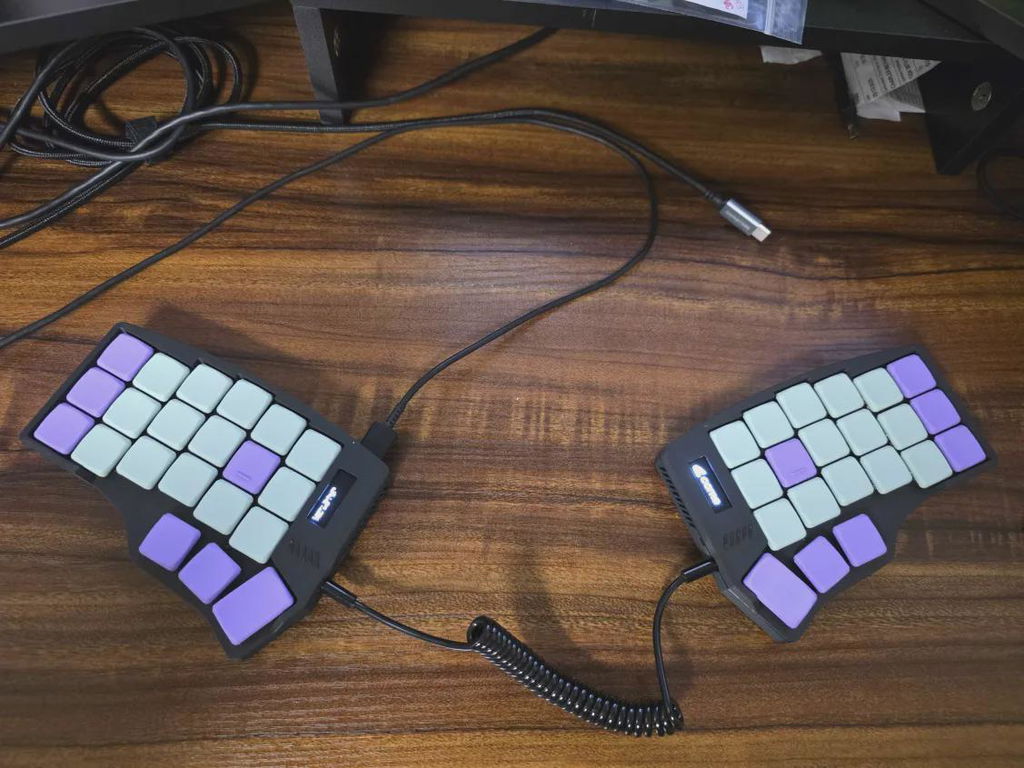
The keyboard is really perfect! I would give more positive feedback, but I just switched from qwerty to colemak-dh and I'm typing at 5wpm.. Thanks Jeremy
Great product, great customer service. I was a noob at setting it up and my keyboard had an error at the beginning, but the seller was quick to respond, knowledgable, helpful and kind with my slowness. Item arrives beautifully packed that an atomic bomb could not damage it during shipping. As said, the item had a rare error which took some time to resolve, but I think it is very much an exception, and it still worked out at the end.
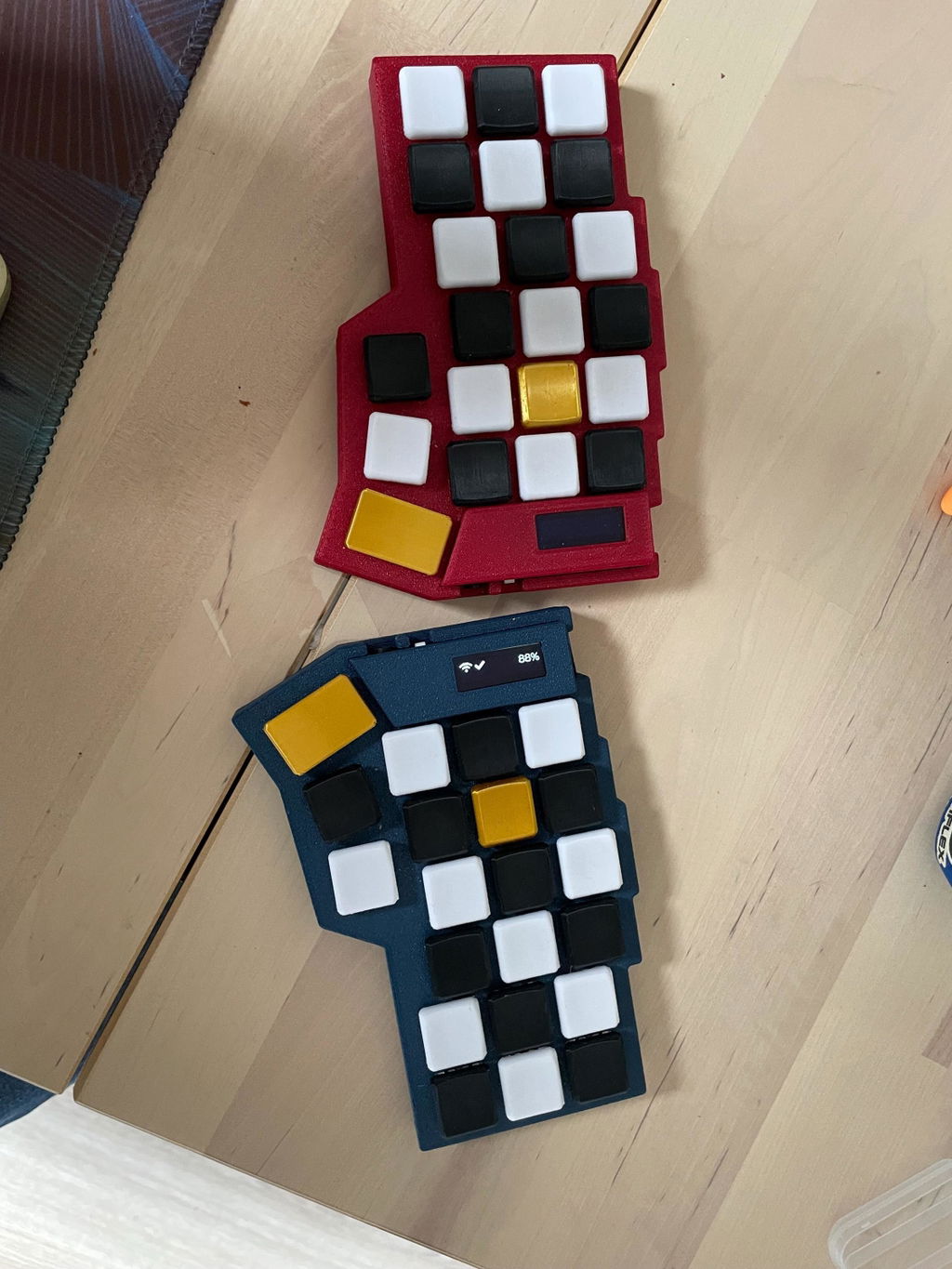
Keyboard is high quality and exactly what I was looking for! The OLEDs are great to see what device I am connected to, what layer I am on, whether it is connected at all, and looks very nice on top of it. The default keymap was great to get everything set up intuitively and additionally a little cheat sheet was provided. Seller themselves was quick to respond and had great communication, both during the build process, as well as afterwards to help clear some questions I had, about flashing the firmware. Overall a perfect experience for me :D
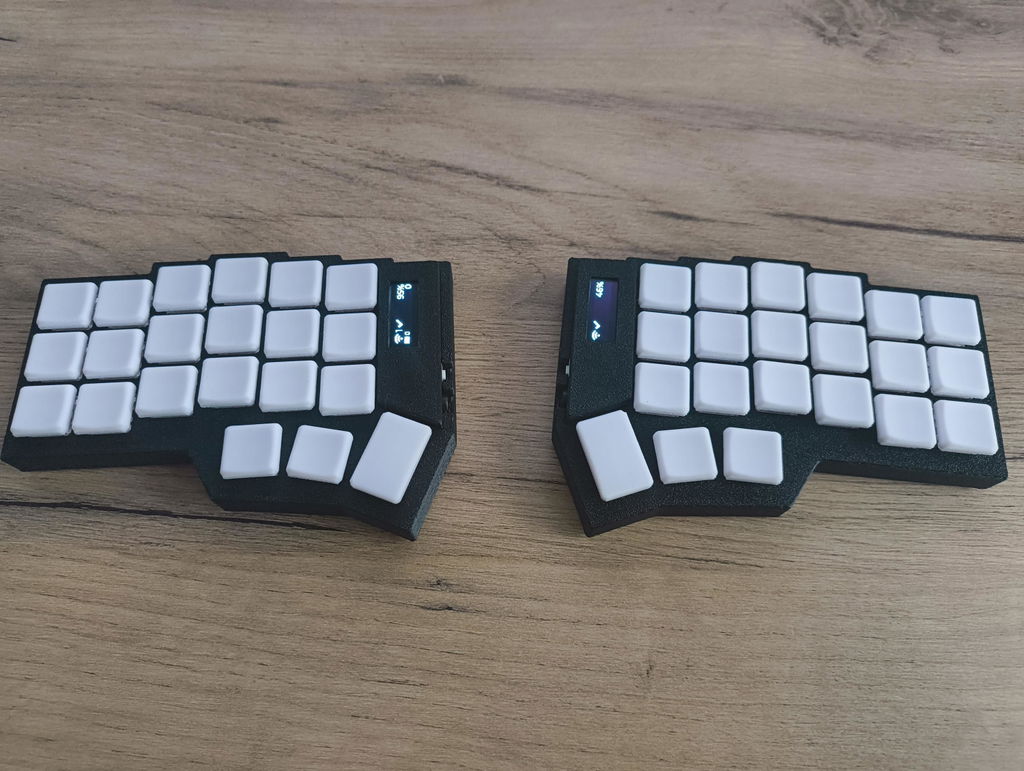
Great communication and support! The keyboard is very well 3D printed. The quality is impressive! The keystrokes are very soft and pleasant. Overall, the keyboard is very fast-responsive. Highly recommend the seller!
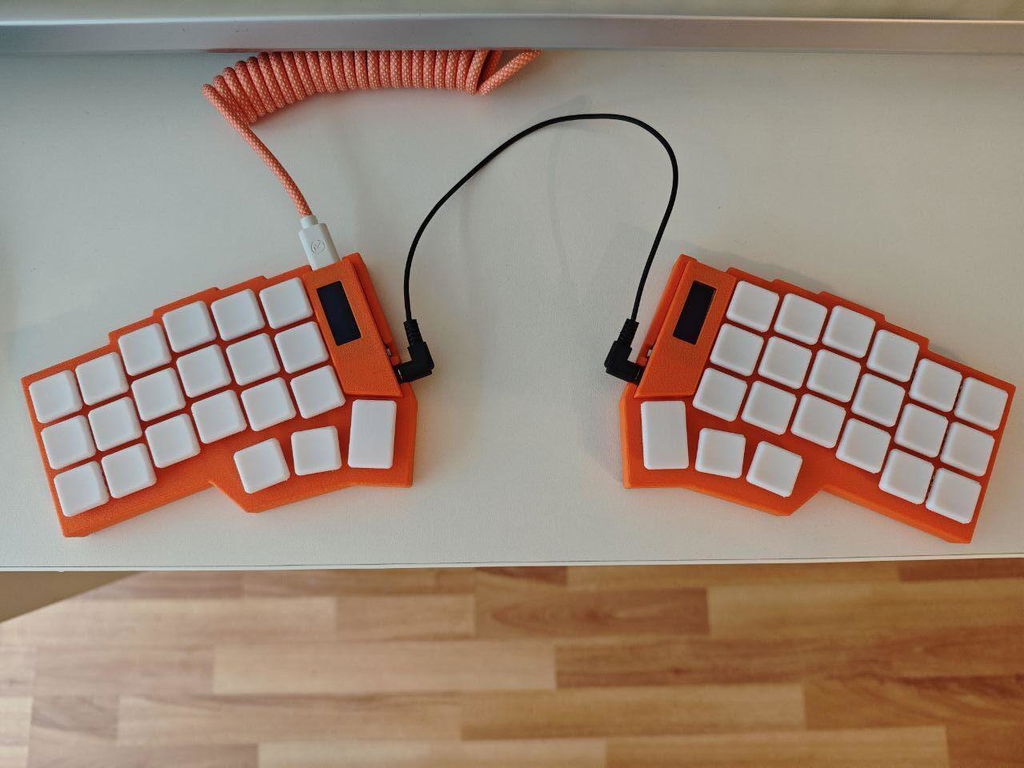
Great communication and customer satisfaction
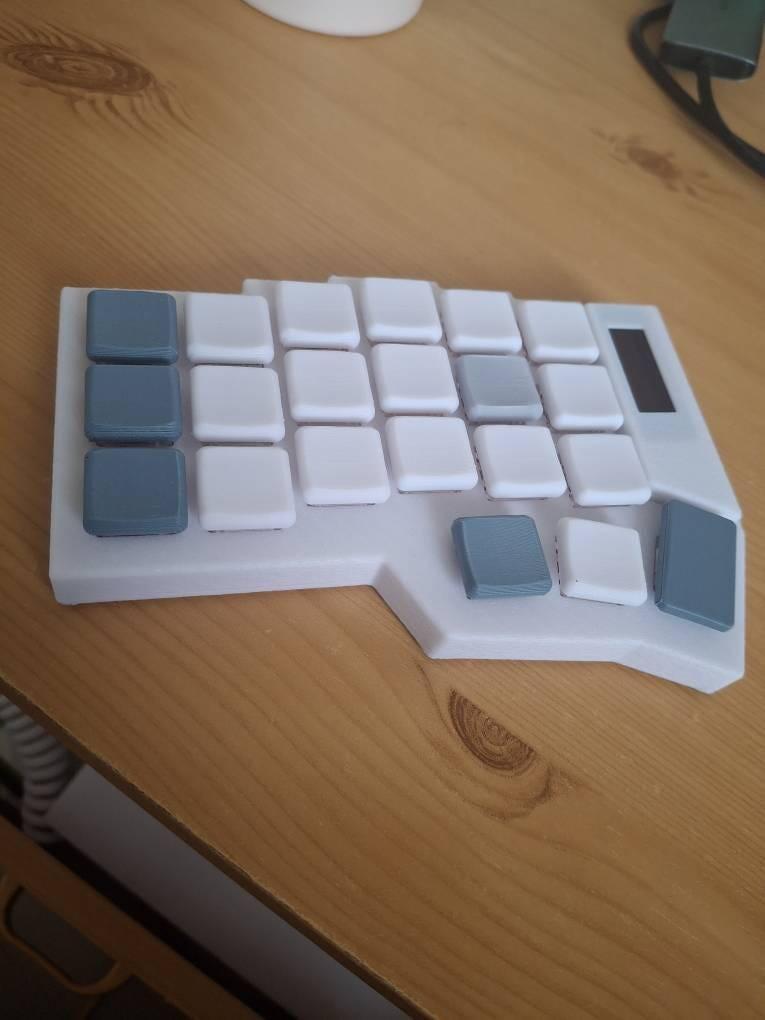
very nice so far. good service
Showing 10 of 13 reviews


